
# What Is PhotosynQ?
PhotosynQ is a plant-phenotyping platform for designing measurement Projects, collecting MultispeQ data, reviewing measurement quality, and analyzing or exporting Project datasets.
# Design a Reproducible Project
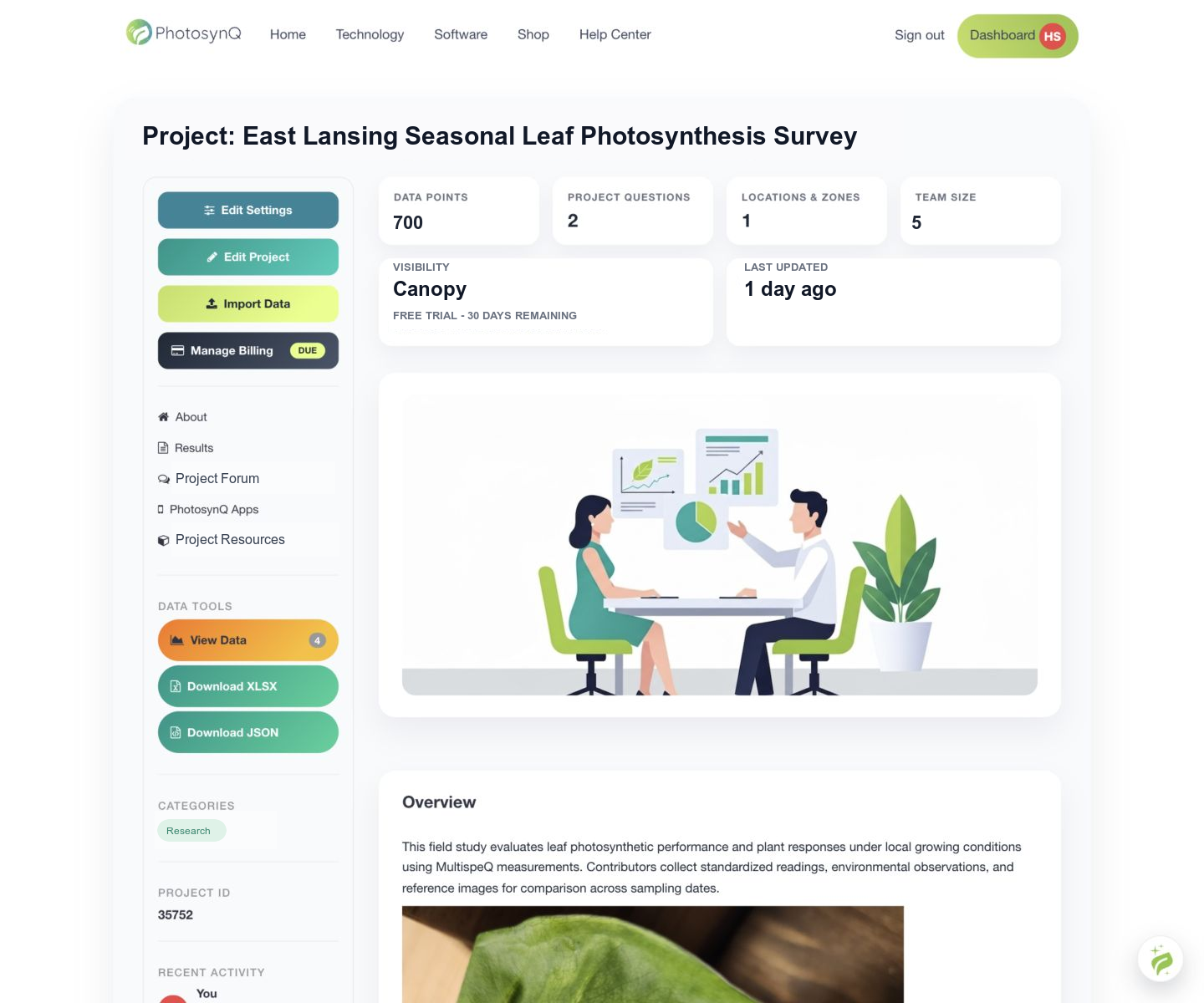
Define the research objective, experimental unit, treatments, controls, replication, sampling procedure, and primary outcomes before collection. A PhotosynQ Project combines the selected measurement Protocol with Project Questions, locations, team access, and a Project-level subscription.
Project Questions capture treatment, block, genotype, sample, leaf position, and other metadata needed to interpret measurements consistently. See Create a New Project.
# Collect MultispeQ Measurements
Use the Android application for Bluetooth field collection or the Desktop application for USB, Bluetooth, bench measurements, Protocol development, and local Notebook workflows.
Run MultispeQ Device QC and Field QC before a collection session. During collection, follow the Project Protocol and sampling plan, review warnings, and confirm pending measurements are uploaded.
# Work Within a Project Team
Project leads and administrators control Project membership. They can invite collaborators, assign administrators, and review access requests where supported. Project forums are available only to authorized members of that Project team.
See Project Settings and Project Invitations.
# Review and Analyze Data
The Data Explorer is available in the PhotosynQ Desktop application and on the website. We recommend PhotosynQ Desktop for the best experience exploring and downloading Project data. The Explorer supports measurement inspection, filtering, series, plots, maps, tables, basic summaries, flags, and exports. Python and R workflows are available when an analysis requires models beyond the exploratory tools.
MultispeQ parameters are physiological indicators, not diagnoses. Interpret them in the context of the Protocol, crop, developmental stage, environment, sampling design, calibration, and statistical model. Confirmatory conclusions require an appropriate experimental design and analysis.
Start with Quick Start: From Account to Data Analysis.