
# Your Dashboard
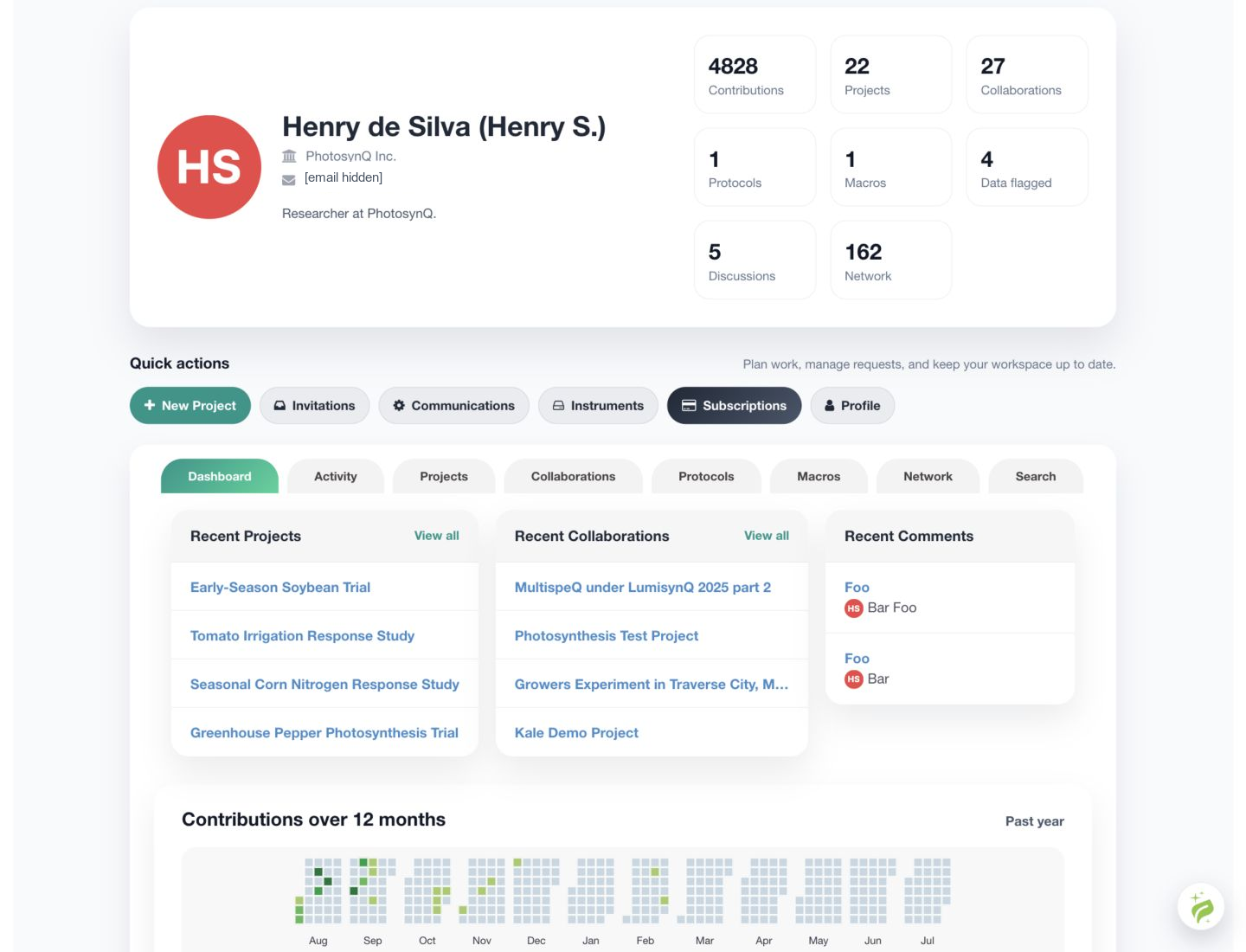
After signing in, the user Dashboard provides account statistics, quick actions, recent activity, and access to Projects and other PhotosynQ resources.
# Account summary
The top of the Dashboard shows the profile, organization information when available, and summary counts for measurements, Projects, Project roles, Protocols, Macros, and flagged data.
# Quick actions
When viewing your own Dashboard, use Quick actions to open:
- New Project
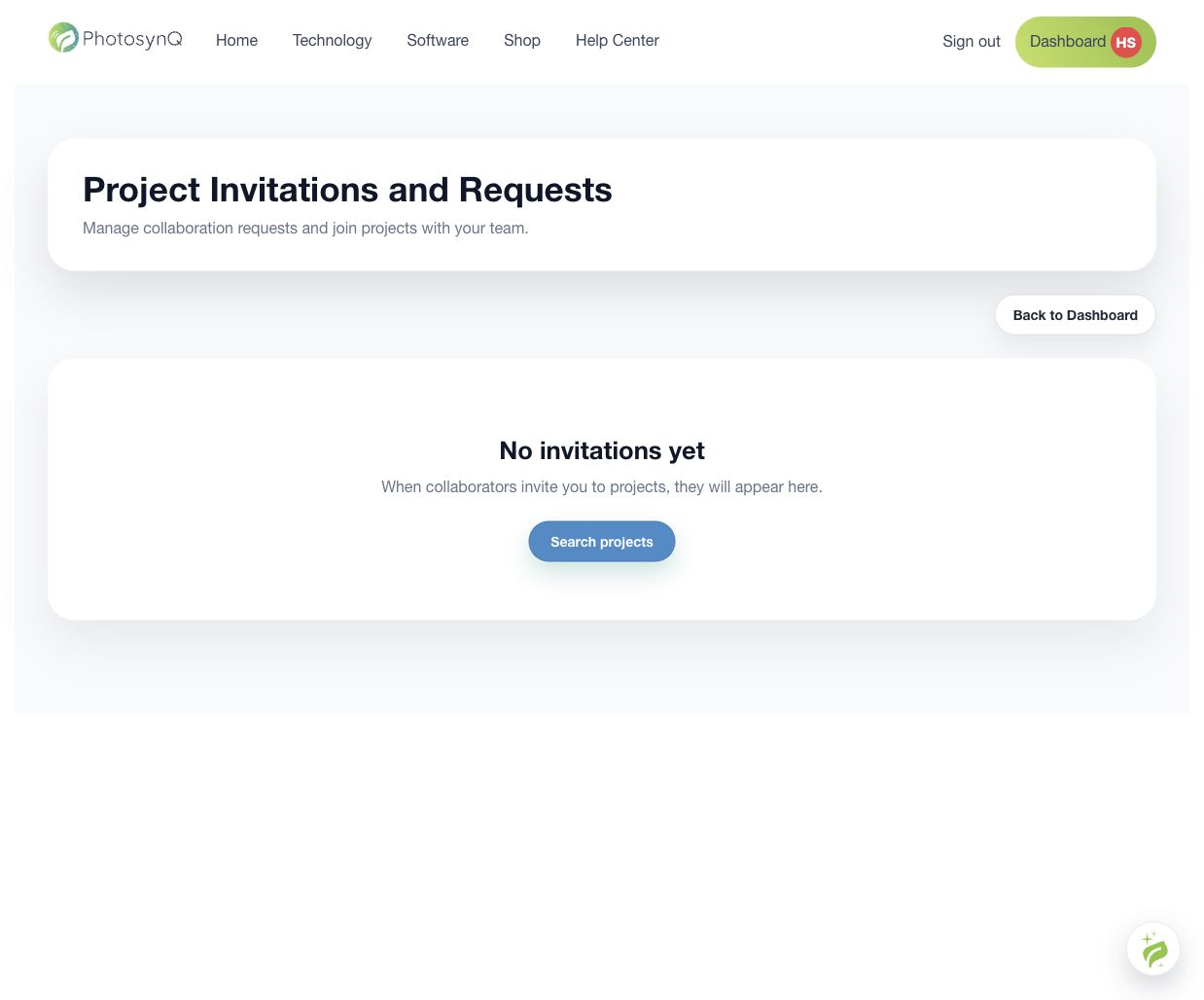
- Invitations
- Communications
- Instruments
- Subscriptions
- Profile
Administrators may also see an Admin Panel action.
# Dashboard tabs
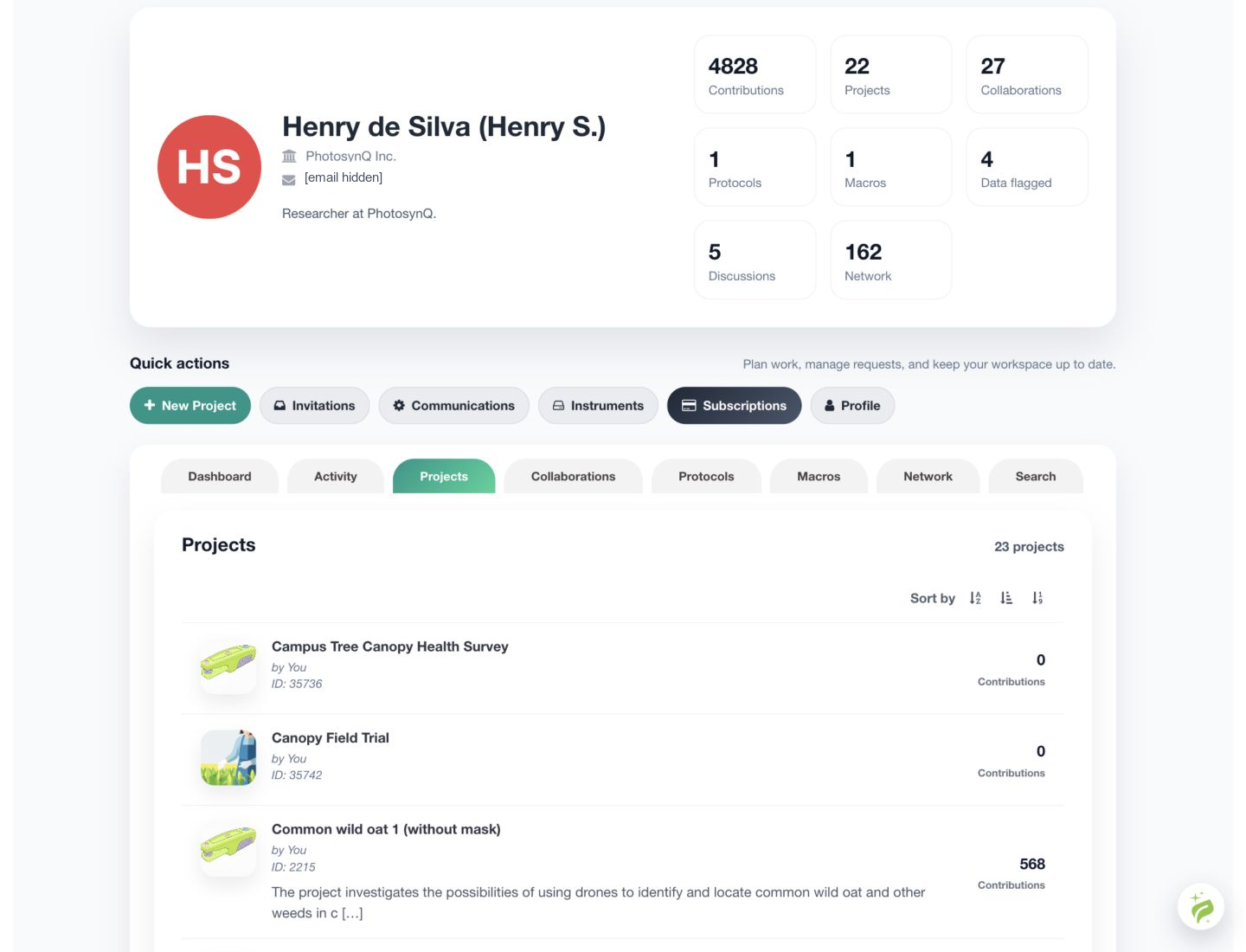
Use the tabs to review Dashboard summaries, activity, Projects, Project roles, Protocols, Macros, and available search tools. The exact tabs depend on the account's permissions.
# Project subscriptions
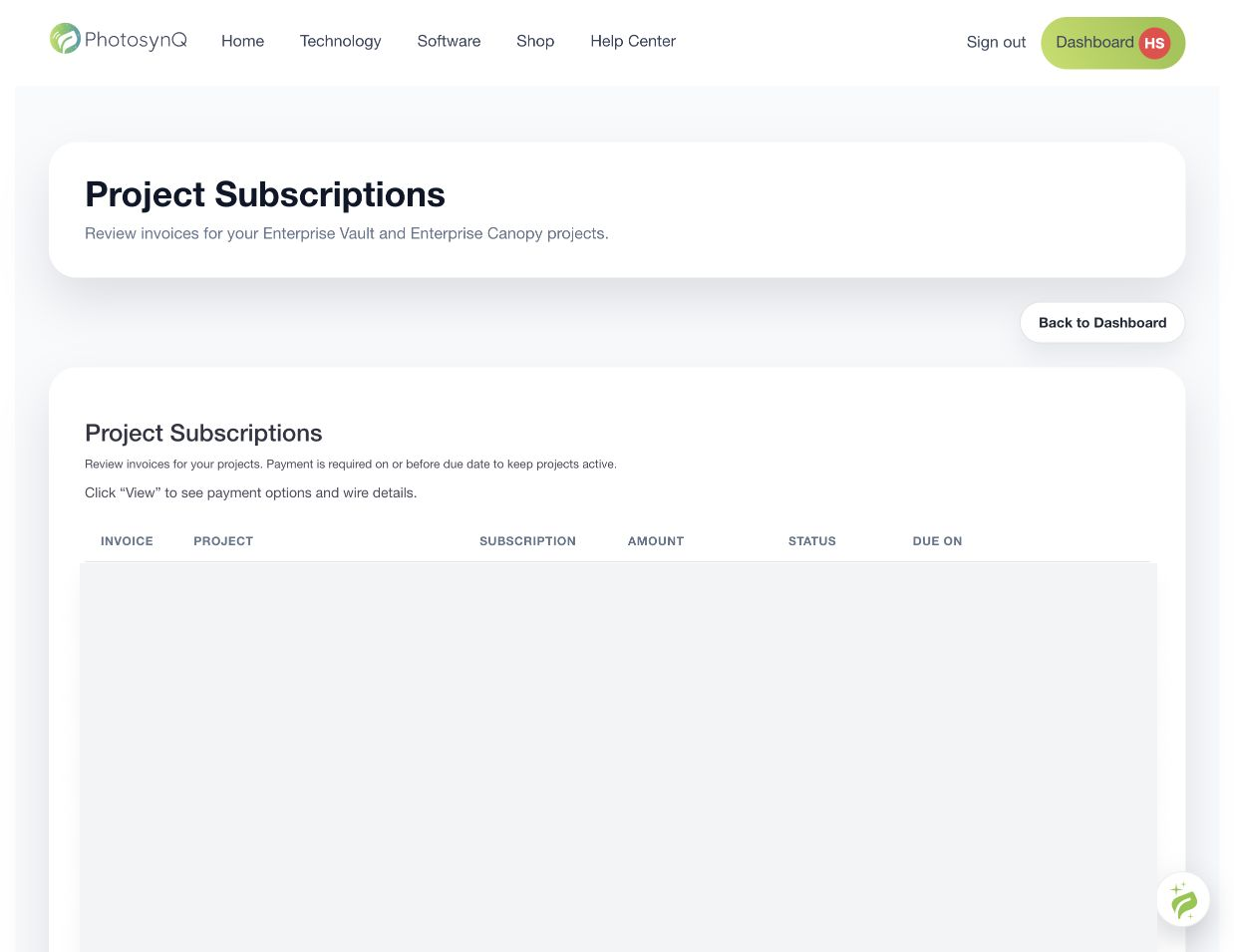
Select Subscriptions under Quick actions to review Vault and Canopy invoices. The page shows the invoice number, Project, subscription type, amount, status, due date, and a View action for payment details.
If no Project has left its free trial, the page displays No invoices yet.
To select or change a Project subscription, open that Project's Settings step. See Project Settings.