
# Project Subscriptions
PhotosynQ subscriptions are selected for individual Projects. They control Project visibility, measurement access, and billing without requiring a separate edition of PhotosynQ.
Paid Project subscriptions include a free trial. Review the current trial duration, price, renewal date, and billing terms shown in Project Settings before creating or changing a subscription.
# Subscription options
# Vault
- The Project and its measurements are private.
- Access is limited to the Project lead, administrators, and invited collaborators.
- Review the current trial and billing terms displayed in Project Settings.
# Canopy
- The Project can be discovered by other PhotosynQ users.
- Measurements remain private to the Project team.
- Review the current trial, billing, and eligibility terms displayed in Project Settings.
# Archive
- New data collection is disabled.
- The Project is removed from Android and Desktop collection lists.
- Existing measurements remain available online to authorized users.
# Review subscriptions and invoices
- Open your Dashboard.
- Under Quick actions, select Subscriptions.
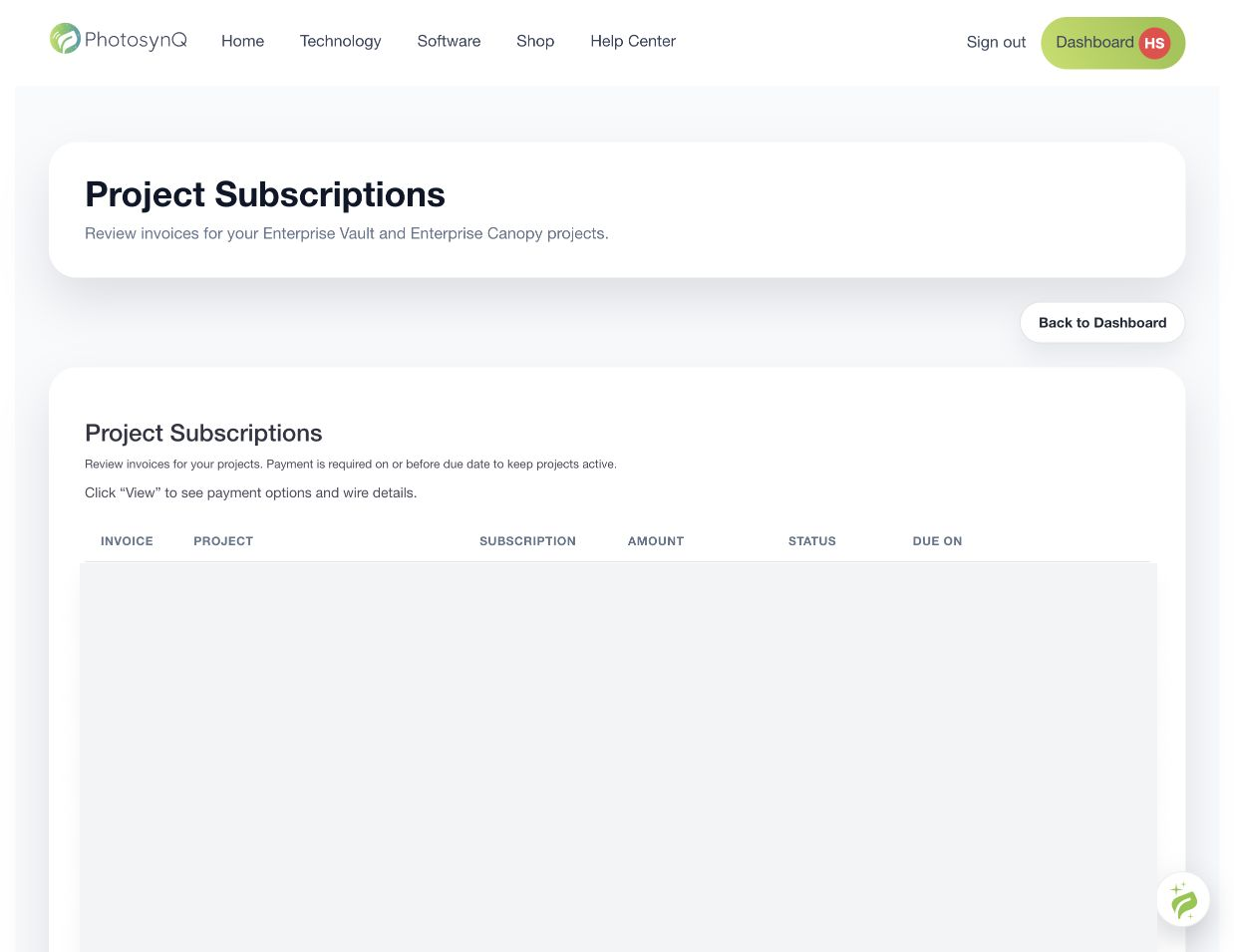
- Review the Project, subscription type, amount, invoice status, and due date.
- Select View for payment details when an invoice is available.
To select or change a subscription, open the Project and use its Settings step. Pricing and trial terms can change, so treat the information displayed in PhotosynQ as authoritative.
See Project Settings for visibility and collection effects.